Piano
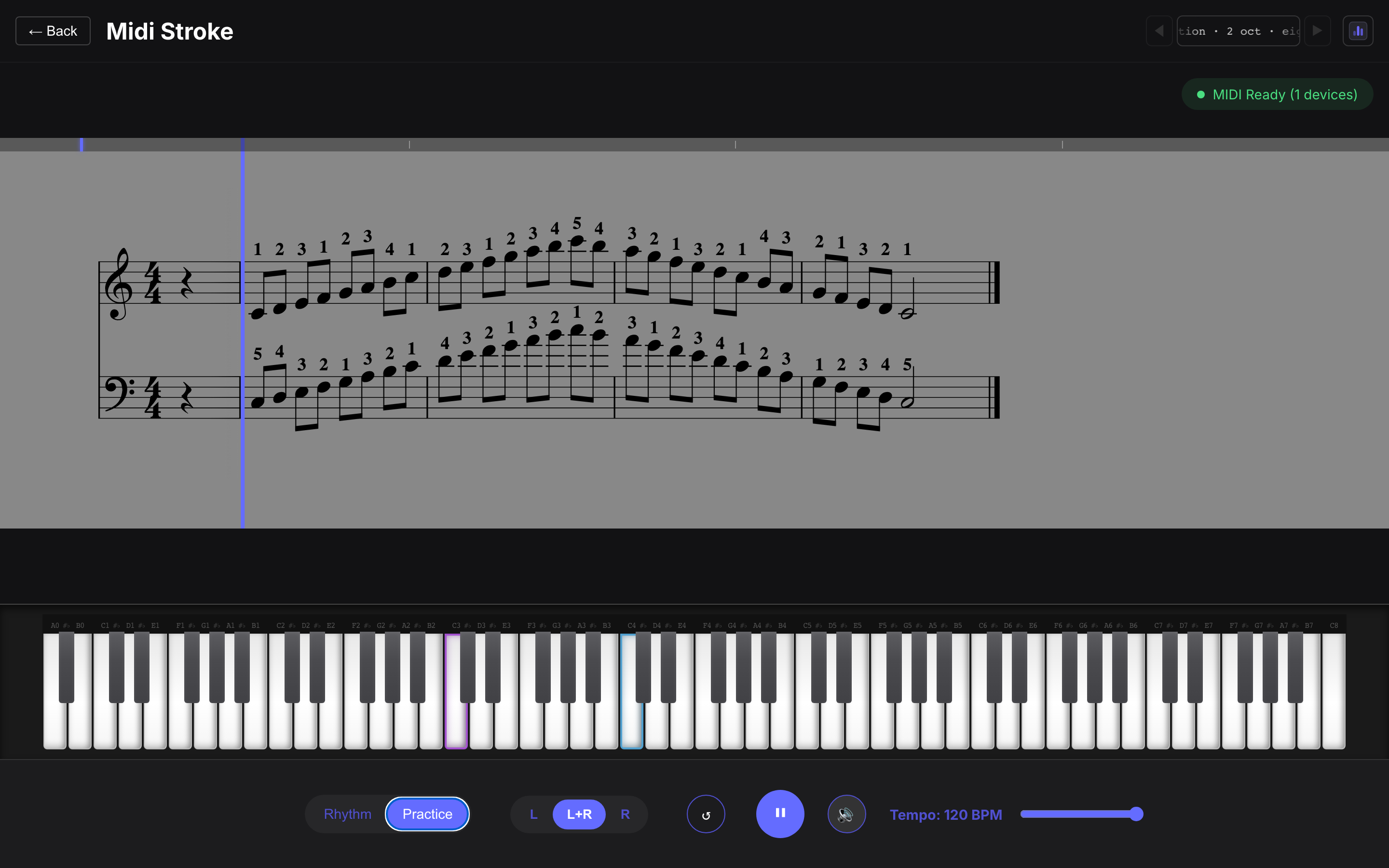
The piano app is the richest of the four: a grand-staff trainer with per-hand filtering, a calibrated virtual keyboard, and a technique-exercise generator.
Key-range calibration
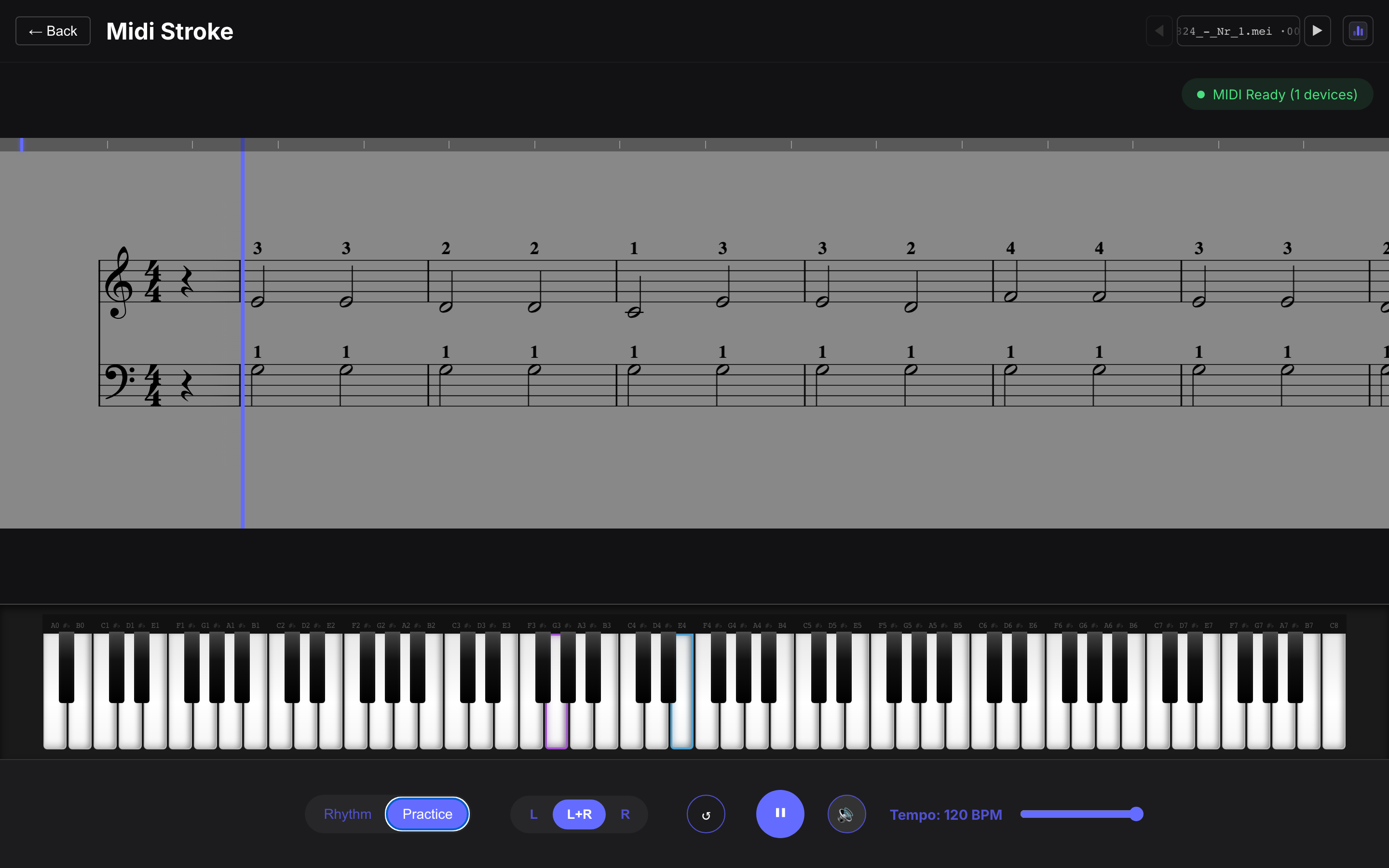
Section titled “Key-range calibration”On first launch the app asks for your lowest and highest physical key. The virtual keyboard then matches your actual instrument — a 49-key controller shows 49 keys, not a phantom 88.
Hand selection
Section titled “Hand selection”The two staves map to hands: treble = right, bass = left. The L / R / both toggle in the play controls:
- dims the inactive staff on the score,
- stops its notes from being expected (both for scoring and for practice pauses),
- and in practice mode, pauses only on the active hand’s notes.
The score view
Section titled “The score view”- Sticky clef strip — clef, key and time signature stay pinned at the left edge while the score scrolls under the fixed cursor.
- Minimap — the thin strip on top shows measure boundaries, the playhead, and red markers where you played wrong notes this session. Click or drag it to seek.
- Virtual keyboard — expected keys glow (color-coded by hand), pressed keys light up, and key names are labeled.
ROLI light guide
Section titled “ROLI light guide”With a ROLI Piano / LUMI Keys connected, the expected notes also light up on the hardware — per key, chords included, in your keyboard’s own colors — and for scale exercises the whole keyboard is painted in the exercise’s key (root + scale). Two device notes:
- The incoming-note lights show in every mode, but their brightness is fixed by the firmware — the rainbow mode (cycle with the power button) looks best, since its mid-brightness colors let the guide lights stand out.
- No setup needed: the guide activates automatically when a ROLI output is detected, in the browser and in the desktop app.
- Managed browsers: enterprise-policy Chrome installs can silently swallow outgoing MIDI even while the permission looks granted (the console shows the device and the sends, but nothing reaches it). If the lights stay dark on a work machine, use an unmanaged browser or the desktop app.
Scale generator
Section titled “Scale generator”The song picker’s 🎼 Scale generator entry engraves technique exercises on the fly — no score files involved. Pick any major or minor key on a circle of fifths (natural, harmonic or melodic minors) and one of eleven forms: parallel and contrary motion, scales in thirds/sixths/tenths, scale triads, triad inversions, broken triads, tonic and dominant-seventh arpeggios, and cadences — in quarters, eighths, sixteenths or triplets, over 1–4 octaves, with optional repeats and engraved conservatory fingering.
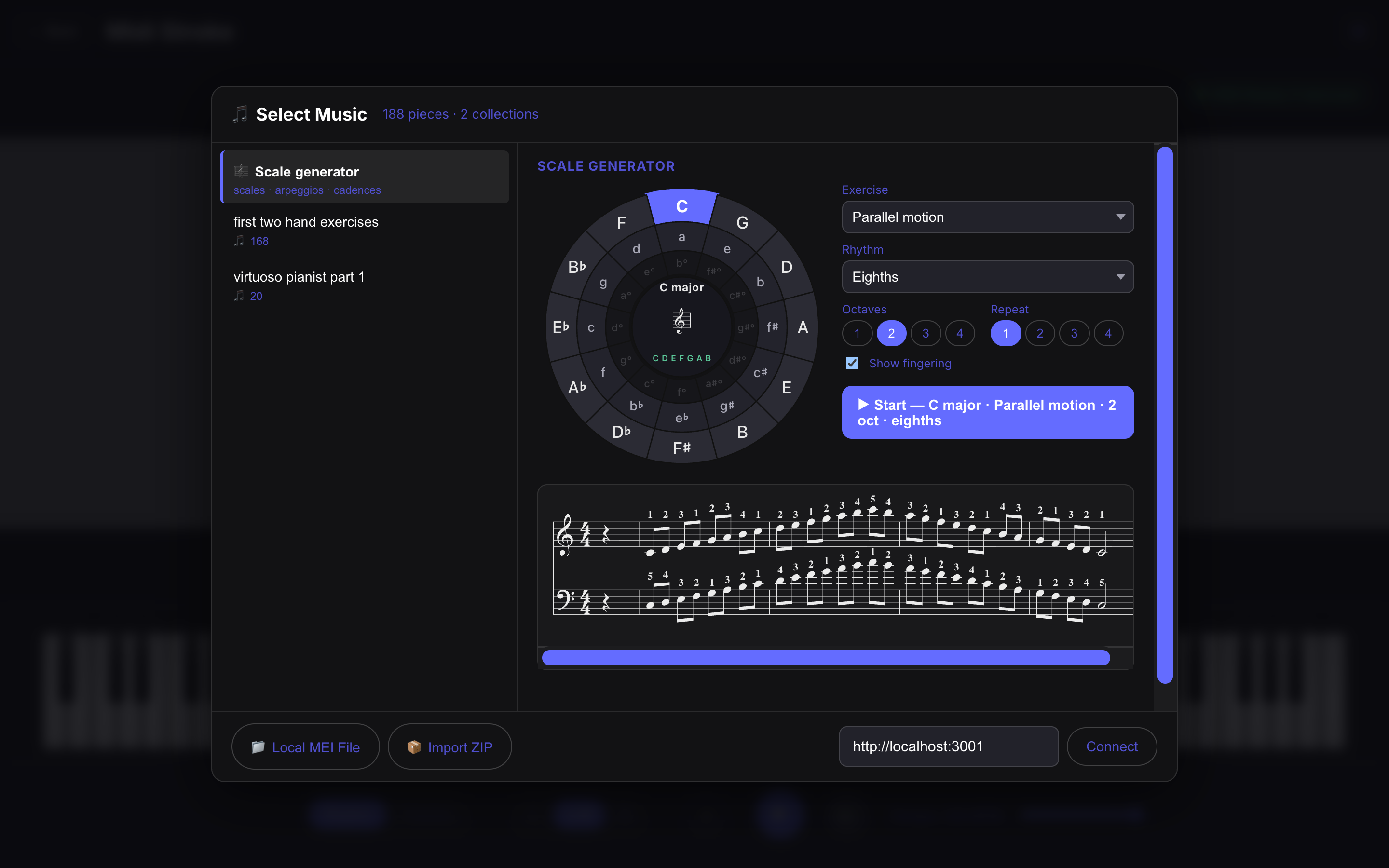
Generated exercises play like any piece and keep their own stats per key/form. As a practice guide, the virtual keyboard grays out keys foreign to the exercise’s key (they stay playable):